Set a gentle browser chime on the hour, every 30 minutes, or every 15 minutes. Keep this tab open to hear the web timer, or use the iPhone app for lock screen and background chimes.
Keep this tab open and your computer awake. The chime plays at the chosen interval, but not while the computer is asleep.
Chimes at 00 minutes — quietest, classic hourly bell.
The browser try is just a taste. The app for iPhone and iPad schedules local notifications ahead of time — chimes ring even when your phone is locked or in airplane mode, with minimal battery use. Plus 10 themes, 10 voice languages, your own recorded sounds, active hours, weekday filters, and a one-tap pause.

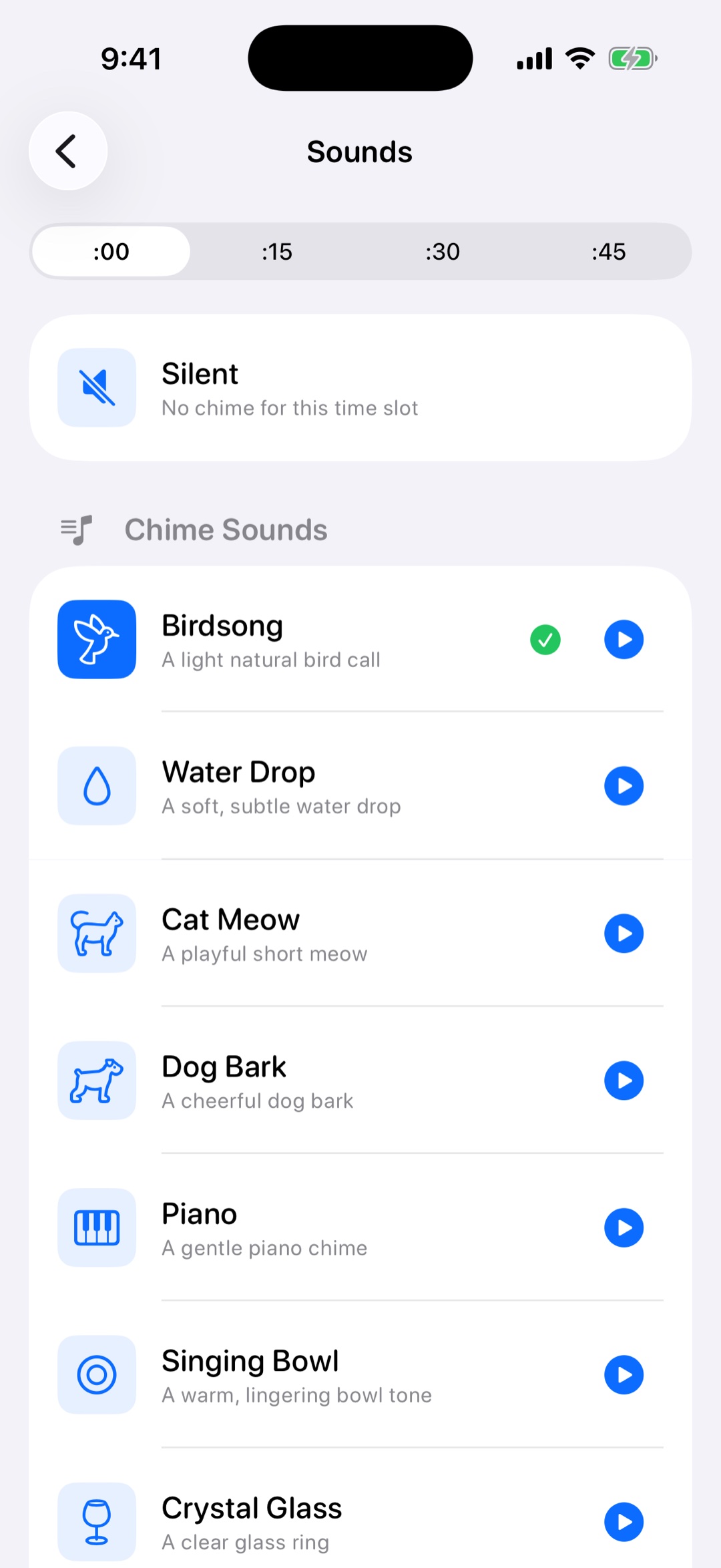
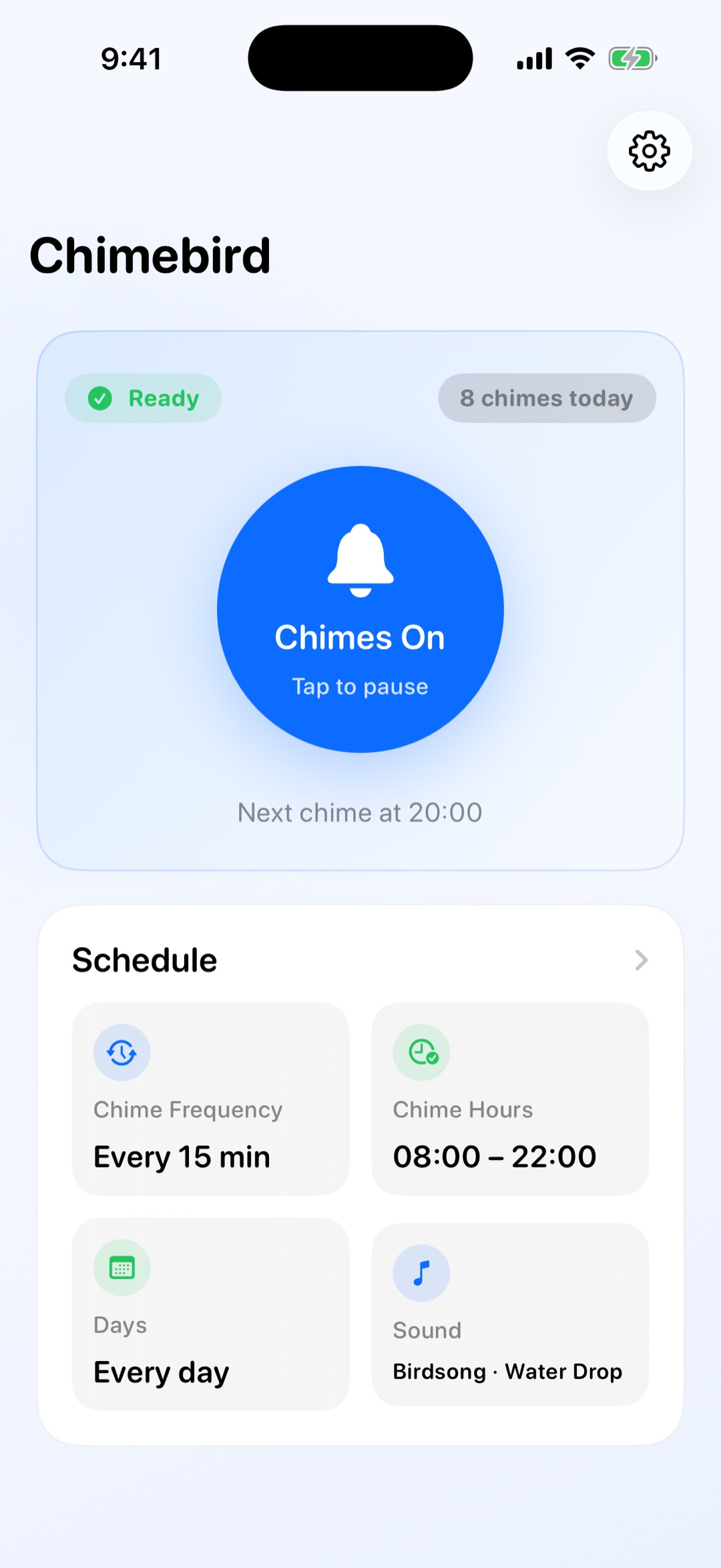
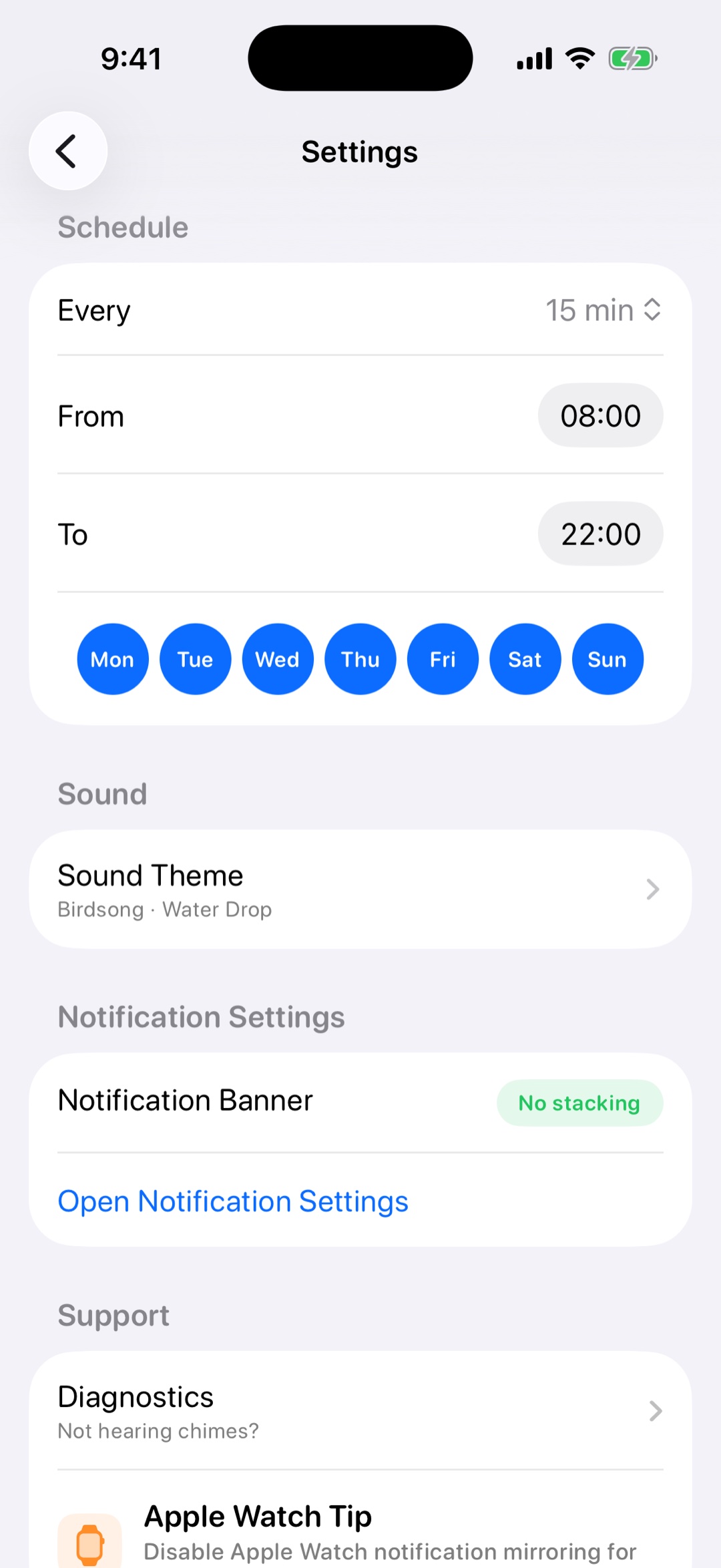
An online hourly chime timer plays a gentle sound in your browser at the interval you choose, such as on the hour, every 30 minutes, or every 15 minutes. It is useful when you want a lightweight time reminder without installing anything.
Yes. Chimebird can chime on the hour, every 30 minutes, every 15 minutes, or on a rolling 15 or 30-minute interval from the moment you start it.
No. Browser audio needs the tab to stay open. The iPhone app is the better option when you want chimes to ring on the lock screen, in the background, or without keeping a browser tab open.
Yes. The iPhone app schedules local notifications ahead of time, so chimes can ring on the lock screen and keep working without the app staying open.